The short answer
Look for an app with no ads, no data collection, purchases and settings behind a parent check, and play that doesn’t depend on reading. It should have short rounds with a clear end, not endless autoplay. Check the store’s privacy label and try the free part yourself before handing it over.
1. No ads, at all
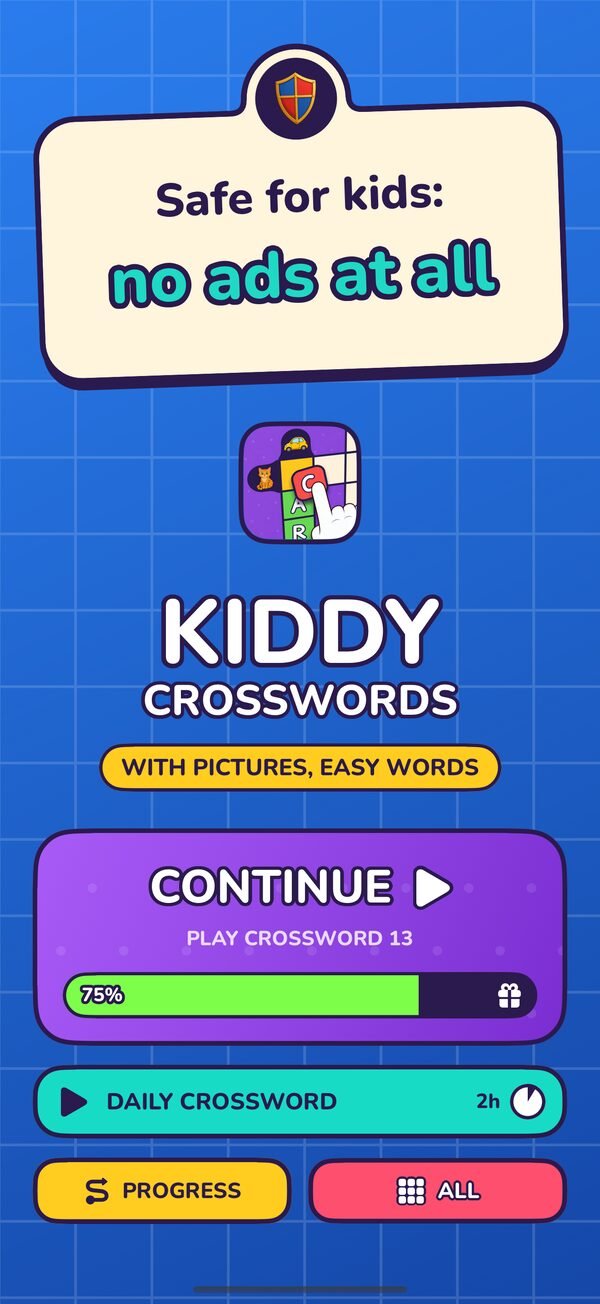
Young children can’t reliably tell an advert from the game, and a tap on an ad can open a store page or a video they didn’t mean to see. “Kid-safe ads” still interrupt play and train a child to tap away. For a child under seven, the simplest rule is the best one: no ads.
2. Nothing collected
Both app stores show a privacy label on every app page: “Data Not Collected” on the App Store, and a “Data safety” section on Google Play. Read it. A spelling game has no reason to know who your child is, where they are, or what else is on the device.
3. Grown-up things behind a grown-up check
Purchases, settings and links out of the app should sit behind a “parent gate”: a small question or task a young child can’t pass, such as typing a number written out in words. Check that it’s there before buying anything or handing the device over.
4. Built for how small children play
- No reading needed to play. Pictures, sounds and big buttons, not instructions.
- Forgiving controls. Large targets, drag and tap both work, nothing breaks if a child taps wildly.
- Kind feedback. Wrong answers bounce back gently. No buzzers, no lost lives, no countdown timers.
- In their language. For bilingual families, an app that works in both home languages is worth a lot.
5. A clear ending
Good learning apps are made of rounds that finish: a puzzle, a page, a song. That gives you a natural place to say “one more, then dinner”. Be wary of endless feeds, autoplaying videos and rewards that only arrive if a child keeps playing.
A note on paying. Ad-free apps need some other way to pay for themselves, usually a free sample and then a purchase or subscription. That’s a fair trade, as long as the free part is generous enough to judge the app and the price is shown clearly before you buy.
How to check an app in ten minutes
- Read the store page. Look at the privacy label, the age rating and whether it says “Contains ads” or “In-app purchases”.
- Play the free part yourself first. Is it fun? Could your child play it without you reading anything to them?
- Try to reach a purchase. Tap around like a child would. Does a parent gate stop you?
- Watch your child’s first session. Do they finish a round happily, or get stuck, frustrated, or pulled somewhere else?
Questions parents ask
How can I tell if a kids’ app collects data?
Check the privacy label on the store page: “Data Not Collected” on the App Store, or the “Data safety” section on Google Play. The app’s own privacy policy should say the same thing in plain words.
What is a parent gate?
A small check in front of purchases, settings and outside links that a young child can’t pass, for example typing a number shown in words. It keeps grown-up decisions with grown-ups.
Are free apps with ads bad for kids?
Ads are a poor fit for young children: they interrupt play, are hard for children to tell apart from the game, and can lead out of the app. For under-sevens, an ad-free app with a free sample is usually the better choice.
Is Kiddy Crosswords free?
The first 15 crosswords and a new daily crossword are free, with no ads. The full game, with more than 1,000 crosswords, unlocks with a monthly subscription or a one-time lifetime purchase.
More for parents: Crosswords for 4-year-olds · 7 playful ways to help a child learn to spell